AIFinderTools Is Now on Google Play: Discover 4,000+ AI Tools From Your Phone
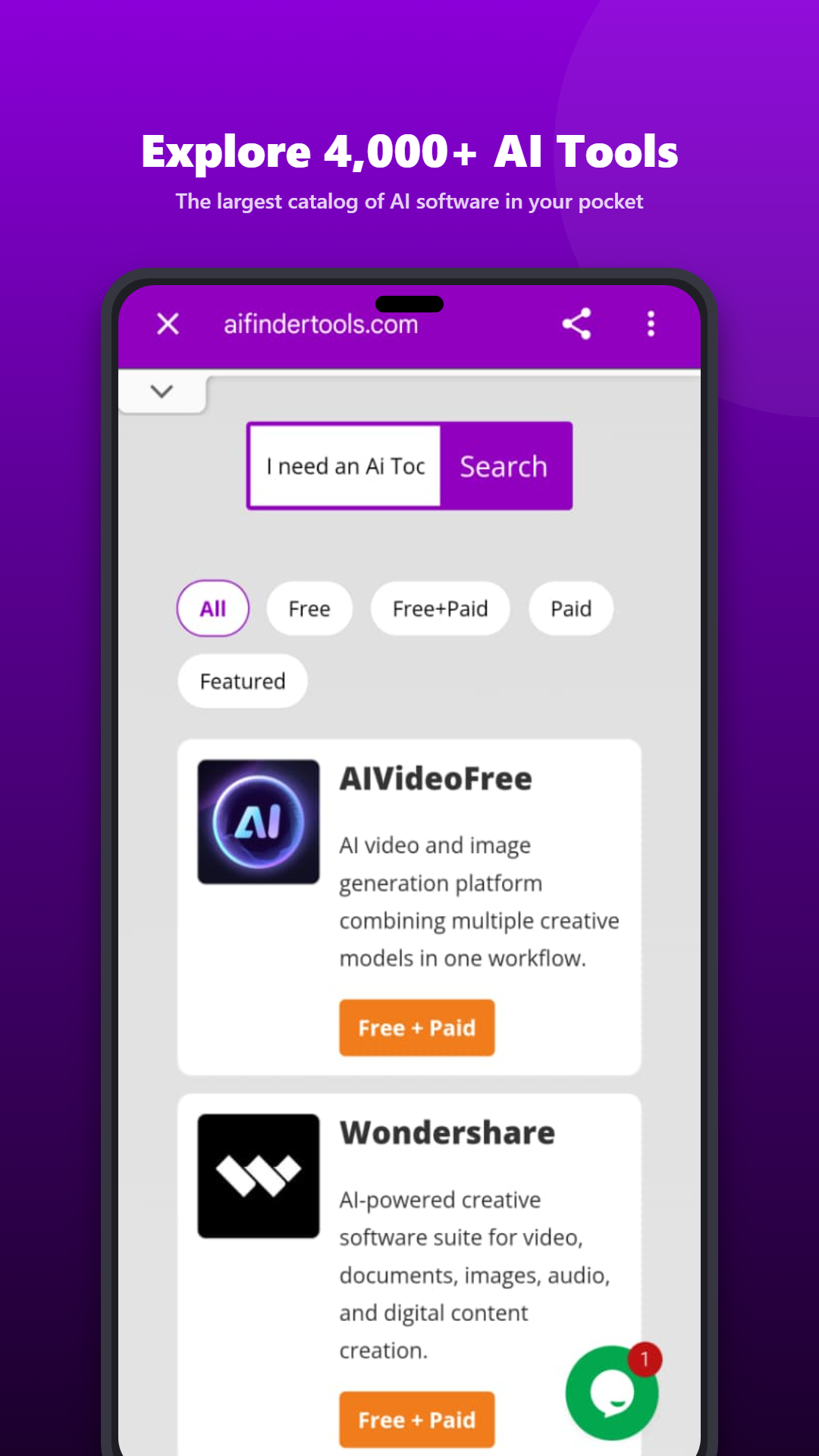
The AIFinderTools Android app is live on Google Play. It puts our directory of 4,000+ AI tools in your pocket, so you can find the right tool for a task without opening dozens of tabs.
Why we built the app
New AI tools appear every week. Writing assistants, image generators, video editors, coding helpers, marketing platforms: there are thousands of options, and each one claims to be the best.
Most people don’t want to read 50 landing pages. They want to answer a simple question: which tool is right for what I’m trying to do?
That’s why we created AIFinderTools. The website already helps thousands of visitors explore the AI landscape. But many of you browse on your phone, whether you’re commuting, in a meeting, or just curious in the evening. So we built an app designed for exactly that.
What you can do in the app
Browse by category
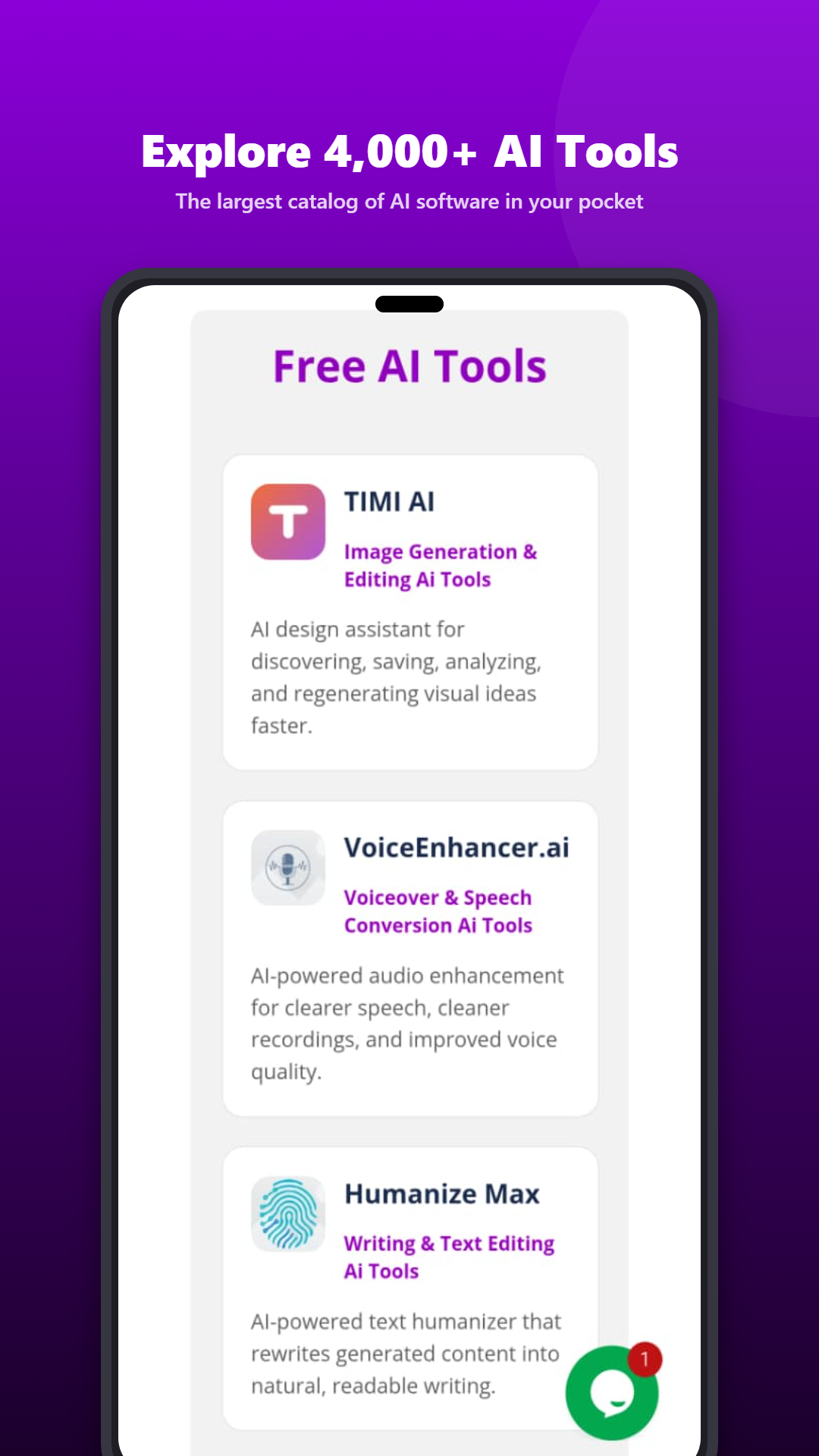
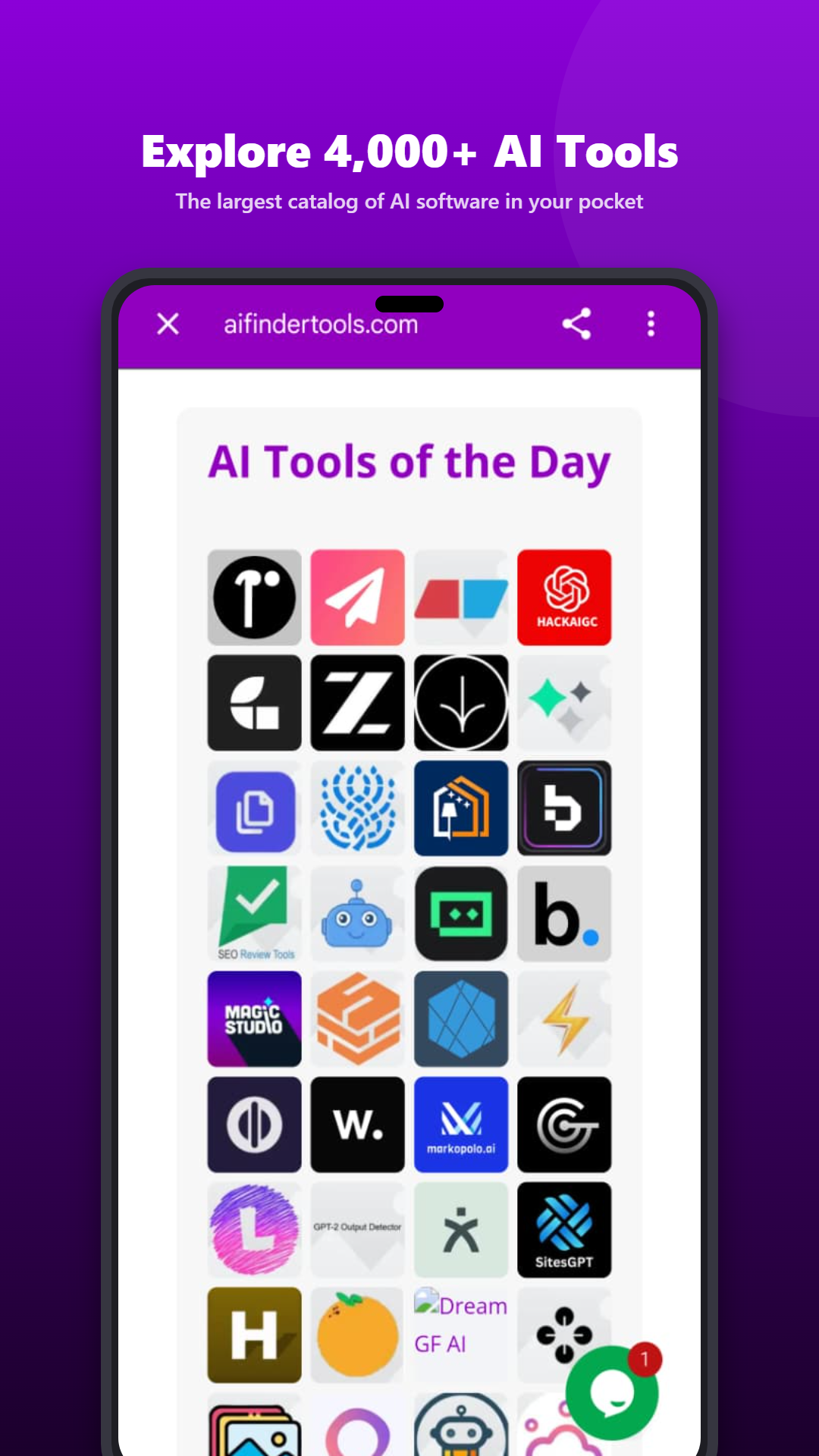
Explore AI tools organized by what you want to get done, including writing and content creation, image generation and design, video and audio, marketing and SEO, productivity, business, coding and development, research, education, automation and social media.
Search for what you need
Looking for a specific kind of tool? Search the directory and quickly see what matches your task.
Compare your options
Each listing gives you the key details in one place: what the tool does, its features, pricing information, ratings and reviews. Instead of jumping between websites, you can weigh tools side by side.
Find free and paid tools
Whether you want a free plan, a trial, or a premium tool with advanced features, you can see which tools fit your budget before you click through.
Stay up to date
The directory is updated continuously, so you can discover emerging AI products as they appear.
Who is it for?
- Students looking for study, writing and research helpers
- Creators comparing image, video and audio tools
- Marketers searching for SEO, social media and content tools
- Founders and business owners exploring automation and productivity
- Developers finding coding assistants and AI utilities
- Anyone curious about what AI can do for their work
How to get started
- Install the app from Google Play.
- Pick a category or search for the task you want to solve.
- Compare a few tools, check pricing and features, and try the one that fits.
That’s it. No need to hunt through dozens of websites.
What’s next
This is the first release, and we plan to keep improving it with your help. The best way to shape what comes next is to tell us what you’d like to see.
We’d love your feedback
If you try the app, we’d really appreciate hearing what works and what doesn’t. Found a bug or have an idea? Email us at david@aifindertools.com. And if you enjoy the app, an honest rating on Google Play helps other people discover it.
Download AIFinderTools on Google Play →
Frequently asked questions
Is the AIFinderTools app free?
Yes, the app is free to download. It contains ads.
Which devices does it support?
The app is available for Android devices through Google Play.
How many tools are in the directory?
More than 4,000, across categories like writing, design, video, marketing, productivity and coding, and the directory keeps growing.
Is the app the same as the website?
They share the same directory. The app is designed for easier browsing and searching on your phone. You can still use aifindertools.com anytime.
How do I report a problem or suggest a feature?
Email david@aifindertools.com and we’ll get back to you.
Where can I read your privacy policy?
You can read it at aifindertools.com/privacy-policy.